The same character in every shot.
Each character gets one Story Bible entry: a portrait, a turnaround, their looks and how they speak. Every frame and video shot is made from that entry, so the hero of scene 1 is the hero of scene 19, and of every episode after it.
Writing and the Story Bible are free · Frames and shots start with Pro
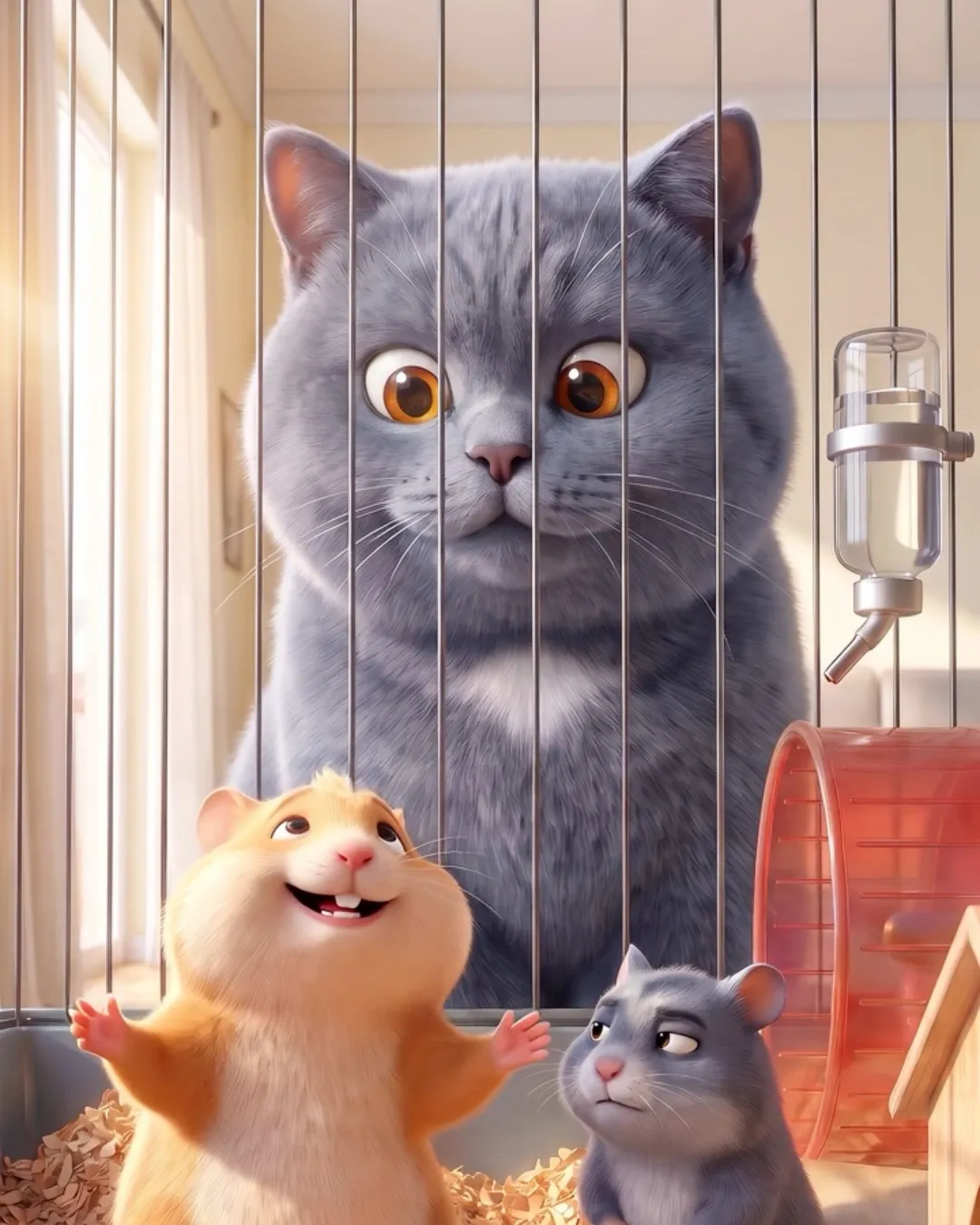
Why AI characters drift
A face that changes between shots breaks the story. Most AI tools start every image from scratch, so the drift is built in.
Every image starts from zero
A new prompt or a new model redraws the face, the build and the clothes.
Small changes add up
A different nose in one shot, another hairline in the next, and the audience notices.
Fixing it by hand doesn't scale
Generating again until it matches eats the budget of a series.
How the cast stays the same
Cast from the script
Characters, places and scenes are read from your screenplay, and the cast goes into the Story Bible.
Portrait, turnaround and looks
Draw them in Loom, or upload your own casting as the reference. Looks can change per scene.
Lock the face
Lock a face, and every frame drawn after it keeps that face.
Frames and shots from the entry
Storyboard frames and video shots are made from the entry. Every video model takes the same camera settings, so switching models keeps the shot.
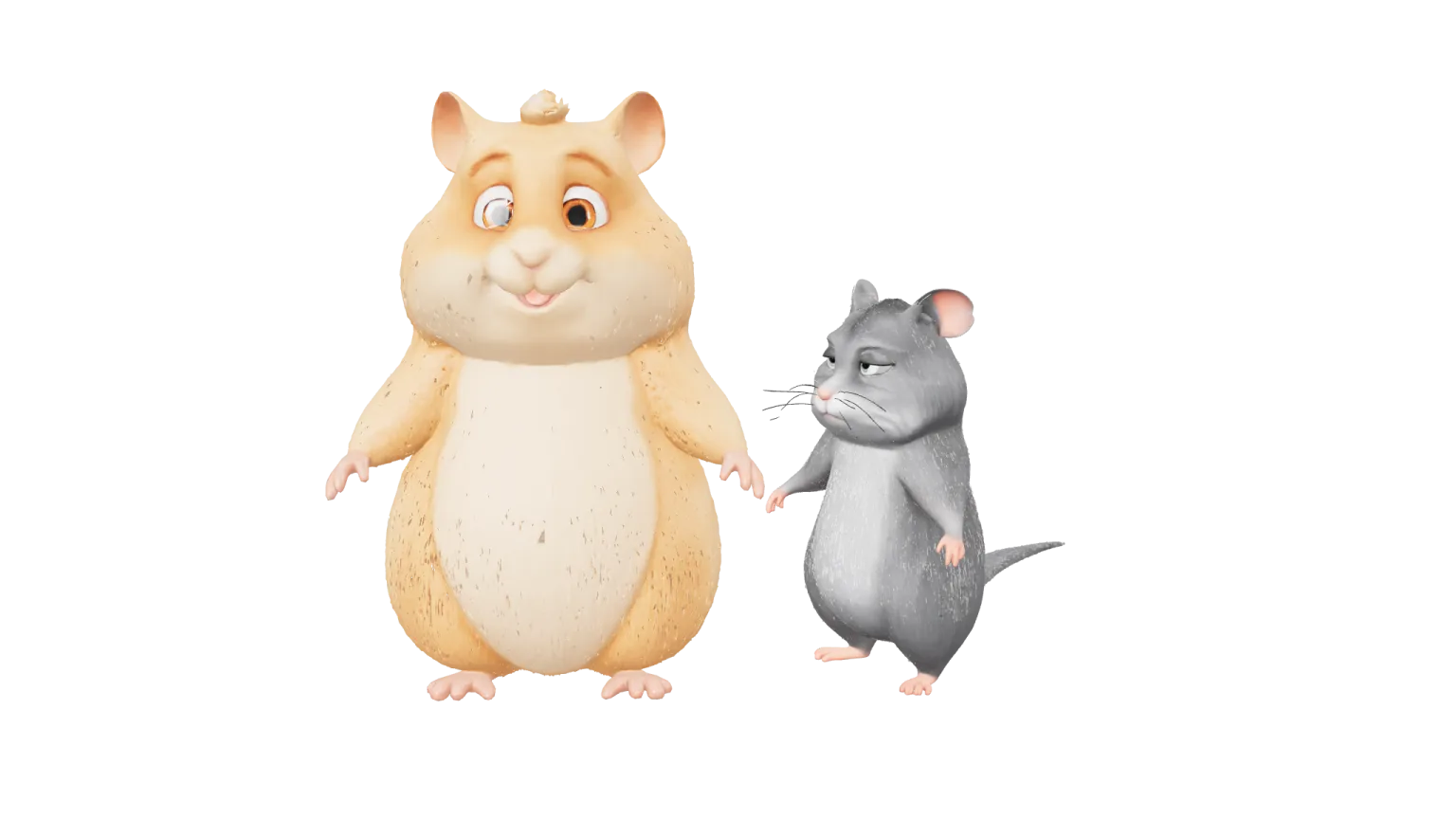
One cast, every frame
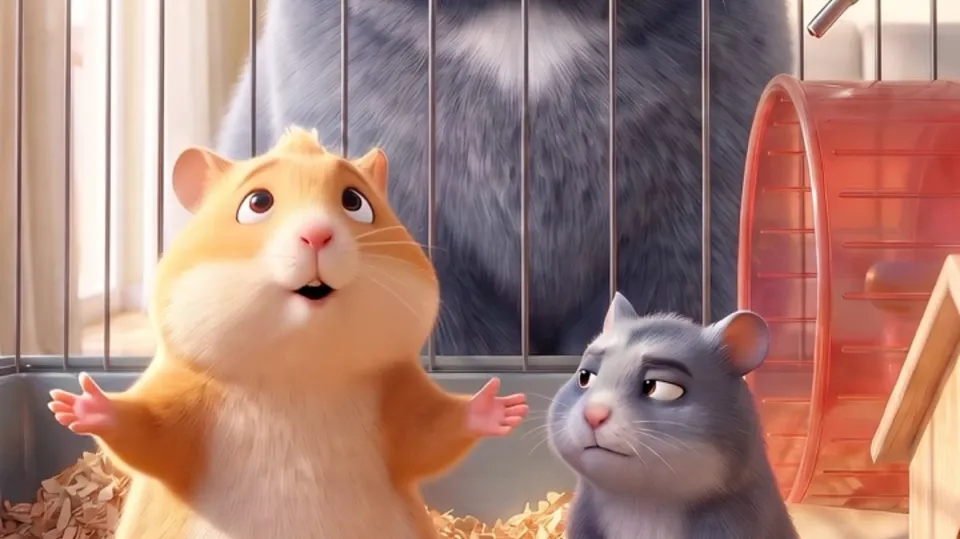
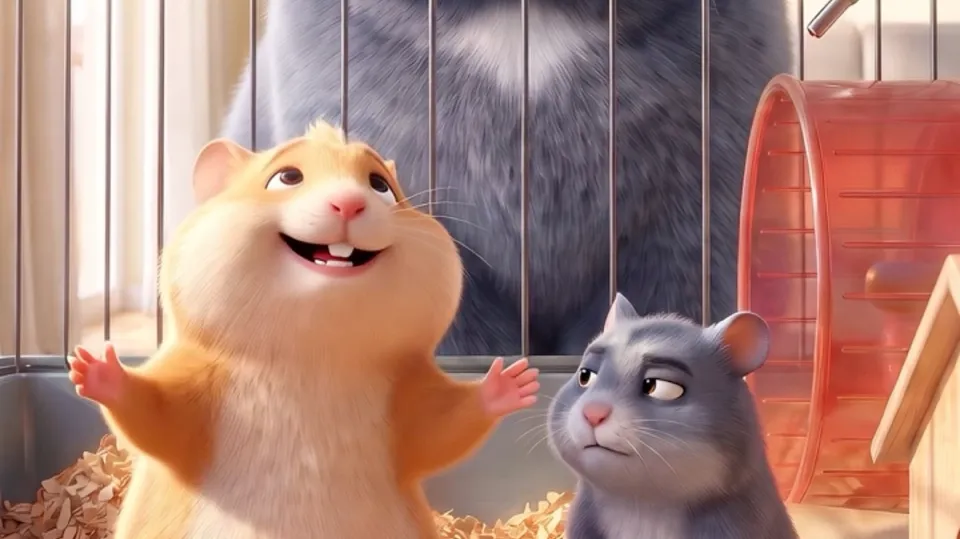
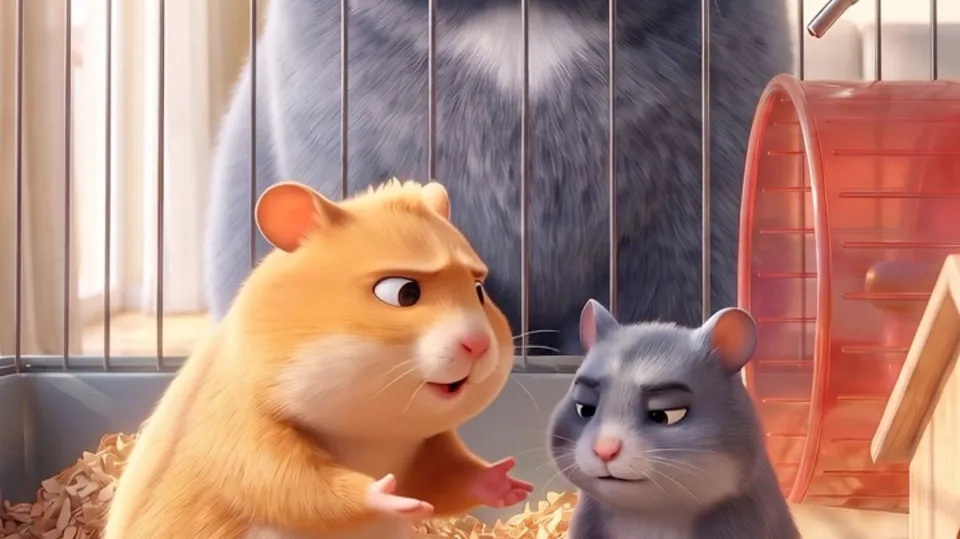
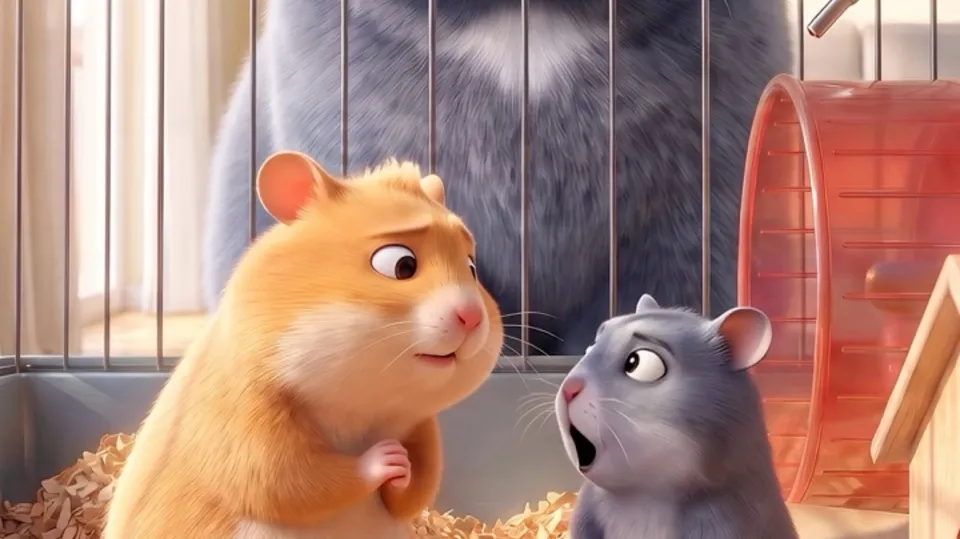
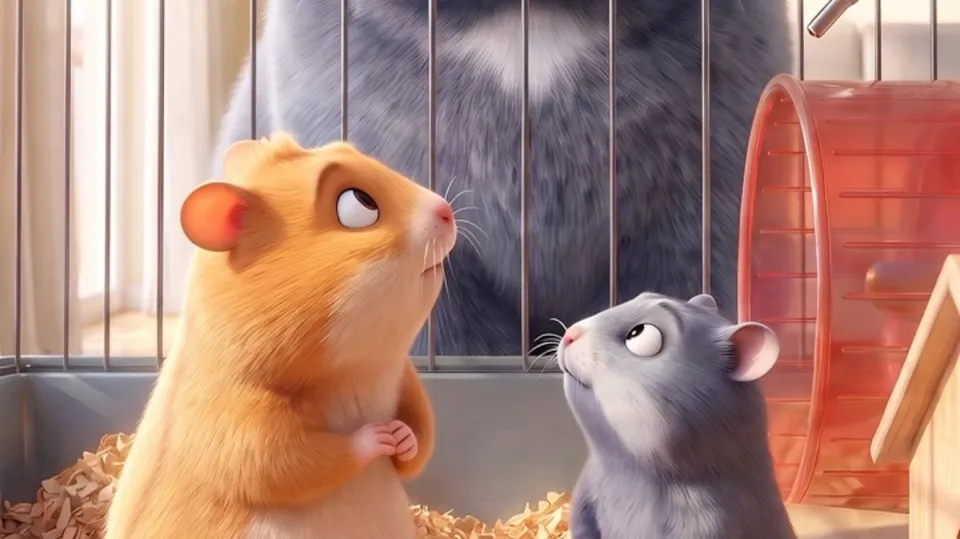
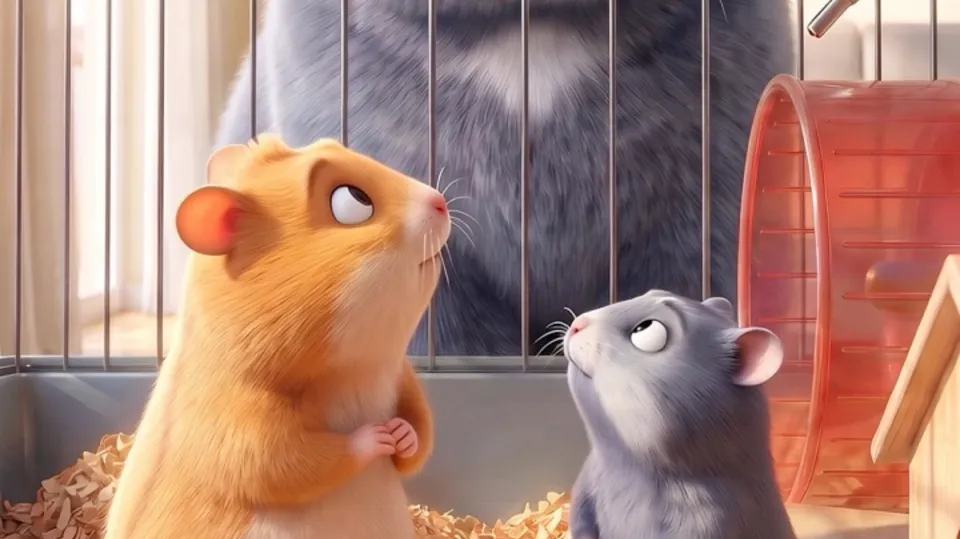
Frames from Operation: Fluffy Apocalypse, the example production we use across the site. The same two hamsters, frame after frame.
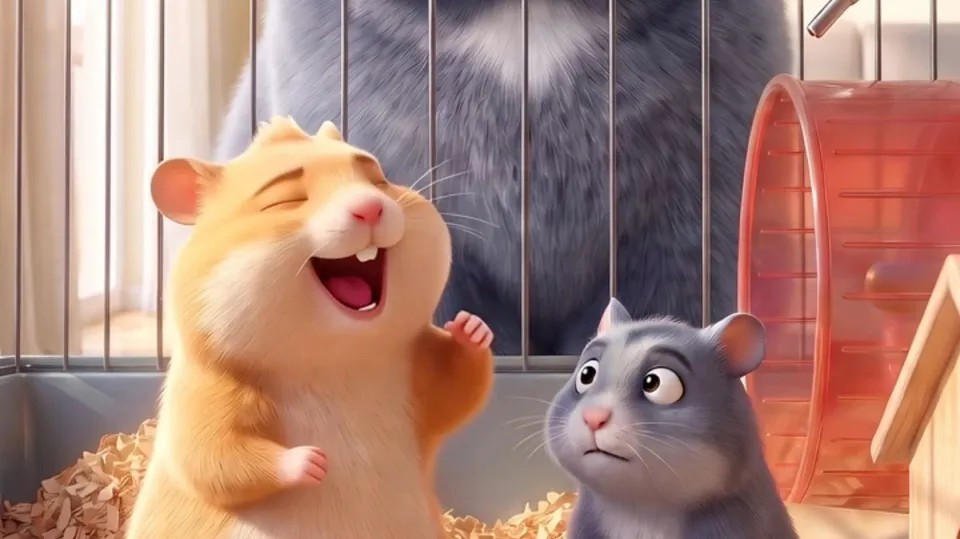
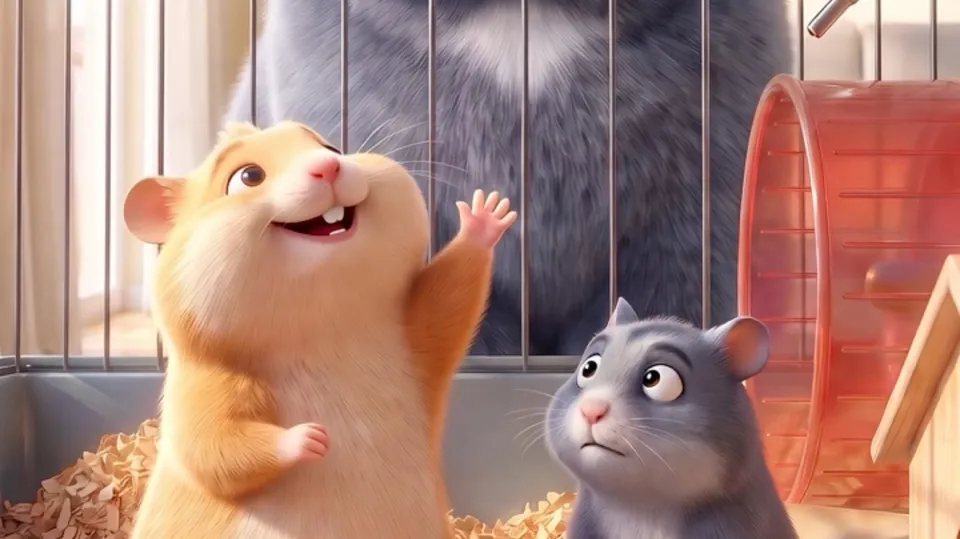
Who keeps a cast consistent with it
Microdramas
Vertical episodes in 9:16, with the same cast from episode to episode.
Film and series
From the screenplay to storyboard, shots and the cut, with every character drawn from its entry.
Animated stories
Stylised characters keep their proportions and colours in every frame.
Storyboards and pitches
Writers draw a frame for every shot with the cast from their Story Bible.
For writers and film makers
Writers
Write free in Loom; the Story Bible keeps every character straight across the story.
Loom for writers →Microdrama, film and series makers
Take the script to the cut with one cast, in 9:16 or for the big screen.
Microdramas, film and series →Questions about consistent characters
How do I keep an AI character consistent across shots?
Give the character a Story Bible entry with a portrait, a turnaround and their looks. Frames and video shots are made from that entry, and a locked face stays in every frame drawn after it.
Can I use my own casting?
Yes. Upload a portrait or a turnaround and use it as the reference. Uploading your own pictures is free; use pictures you have the rights to.
Does the character stay the same when I switch video models?
Shots are made from the same Story Bible entry, and Veo, Seedance, Wan and the other video models take the same camera settings, so a new model gets the same shot without describing it again.
Does it work for vertical microdramas?
Yes. Shots can be made at 9:16 and cut and exported at 1080 × 1920, with one cast from episode to episode.
What does it cost?
Writing, the Story Bible and uploading your own casting are free. Drawing portraits, frames and video shots is AI and starts with Pro, at $25 a month.
Is there an alternative to Higgsfield's Soul ID?
In SolidMeta, consistency comes from the Story Bible: a portrait, a turnaround and looks per character, with locked faces, used for every frame and shot. The comparison page has the details.
Who owns the characters I create?
You do. You keep ownership of what you make, and your content is not used to train AI models.
Cast your story once.
Write free in Loom, and draw every frame with the same cast when you add Pro.